
Describe a collection. Get the whole data UI.
A collection is three small files. Its fields go in schema.json, how it looks in view.yaml, and where its rows live in source.yaml. The server answers for it over one JSON protocol, and the React data view draws it with search, filters, inline edits and a schema editor.
schema.json the fields
{ "version": "v1", "fields": { "name": { "type": "string" }, "description": { "type": "text" }, "language": { "type": "string" }, "stargazers_count": { "type": "integer", "min": 0 }, "pushed_at": { "type": "datetime" }, "topics": { "type": "string_array" }, "archived": { "type": "bool" } }}view.yaml how it is shown
default_renderer: cardsavailable_renderers: [cards, table, chart]search: fields: [name, description]filters: - { field: language, kind: select } - { field: archived, kind: bool }columns: - { field: name, pin: left, width: 220 } - { field: language, render: badge }chart_options: type: pie category_field: name value_field: stargazers_countsource.yaml where the rows live
kind: http_apioptions: base_url: https://api.github.com list_endpoint: /users/digital-cube/repos id_field: name field_map: owner_avatar: owner.avatar_url cache_ttl_ms: 300000# or postgres_jsonb, memory, filesystem,# yaml_menu; with no source.yaml, a# Postgres table named like the directorySeven renderers and a schema editor, from one line of YAML
Real screenshots of the live example. Each view lists the renderers it offers in available_renderers; the data view draws one tab per name.
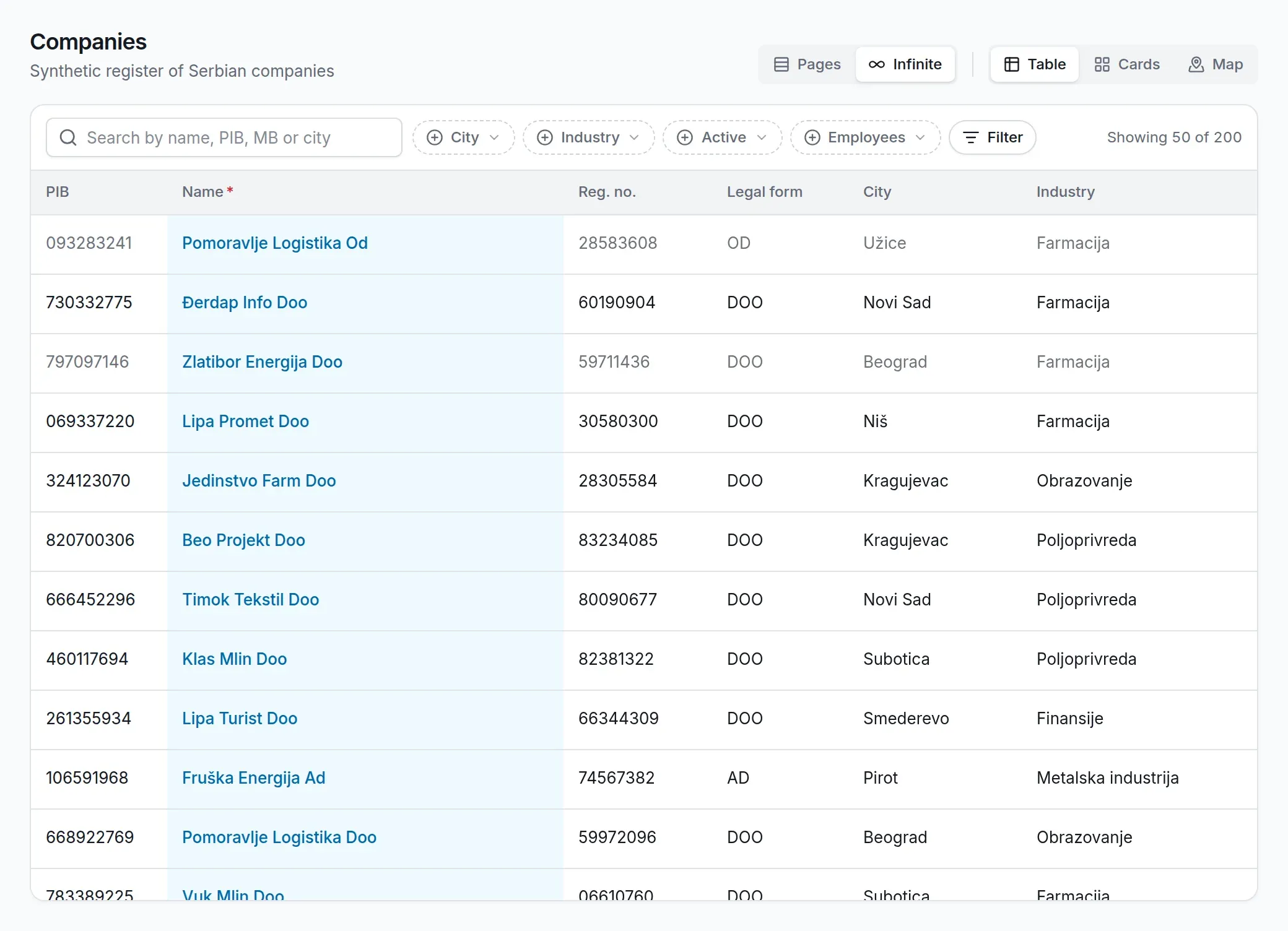
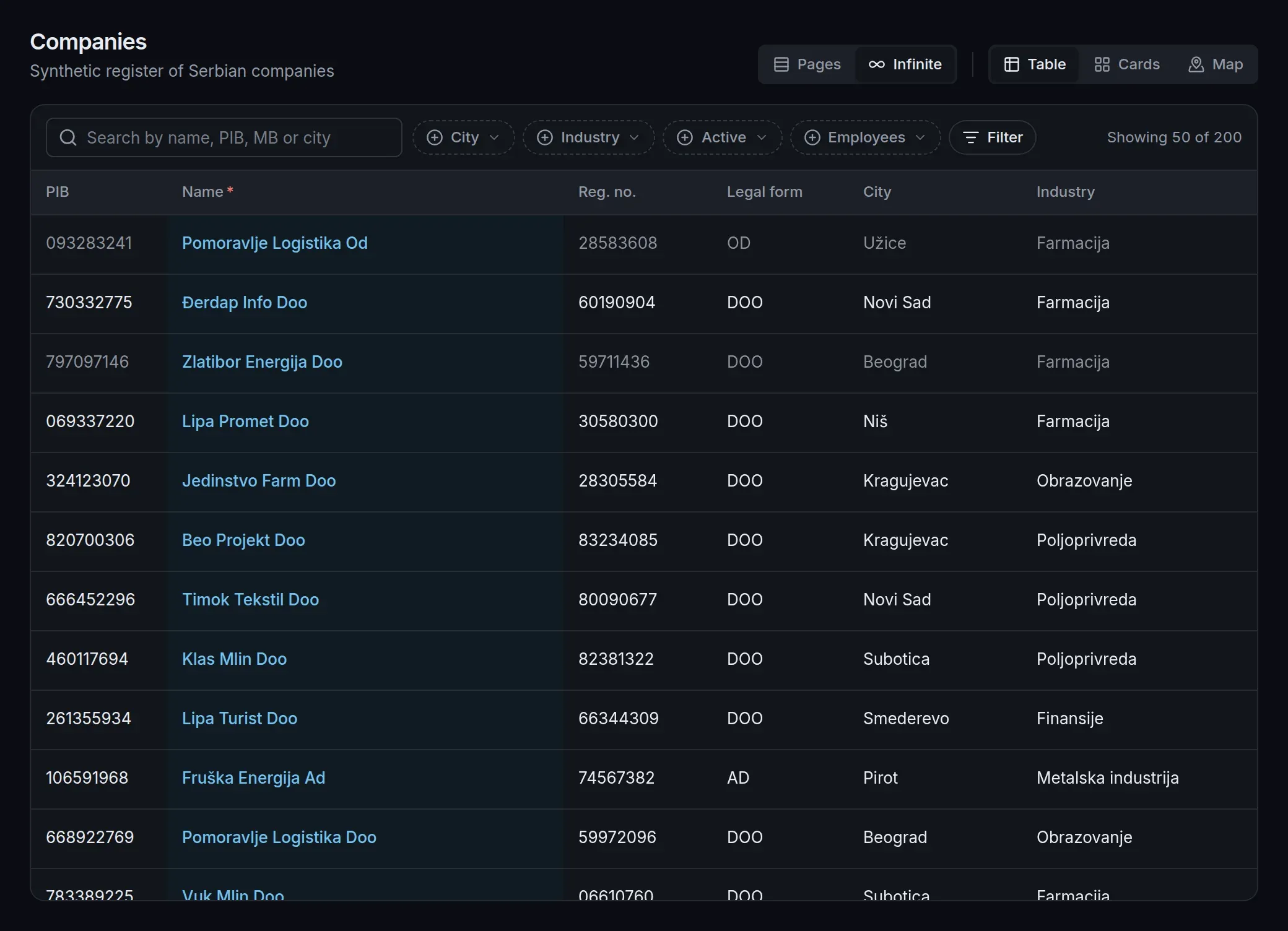
Table companies/view.yaml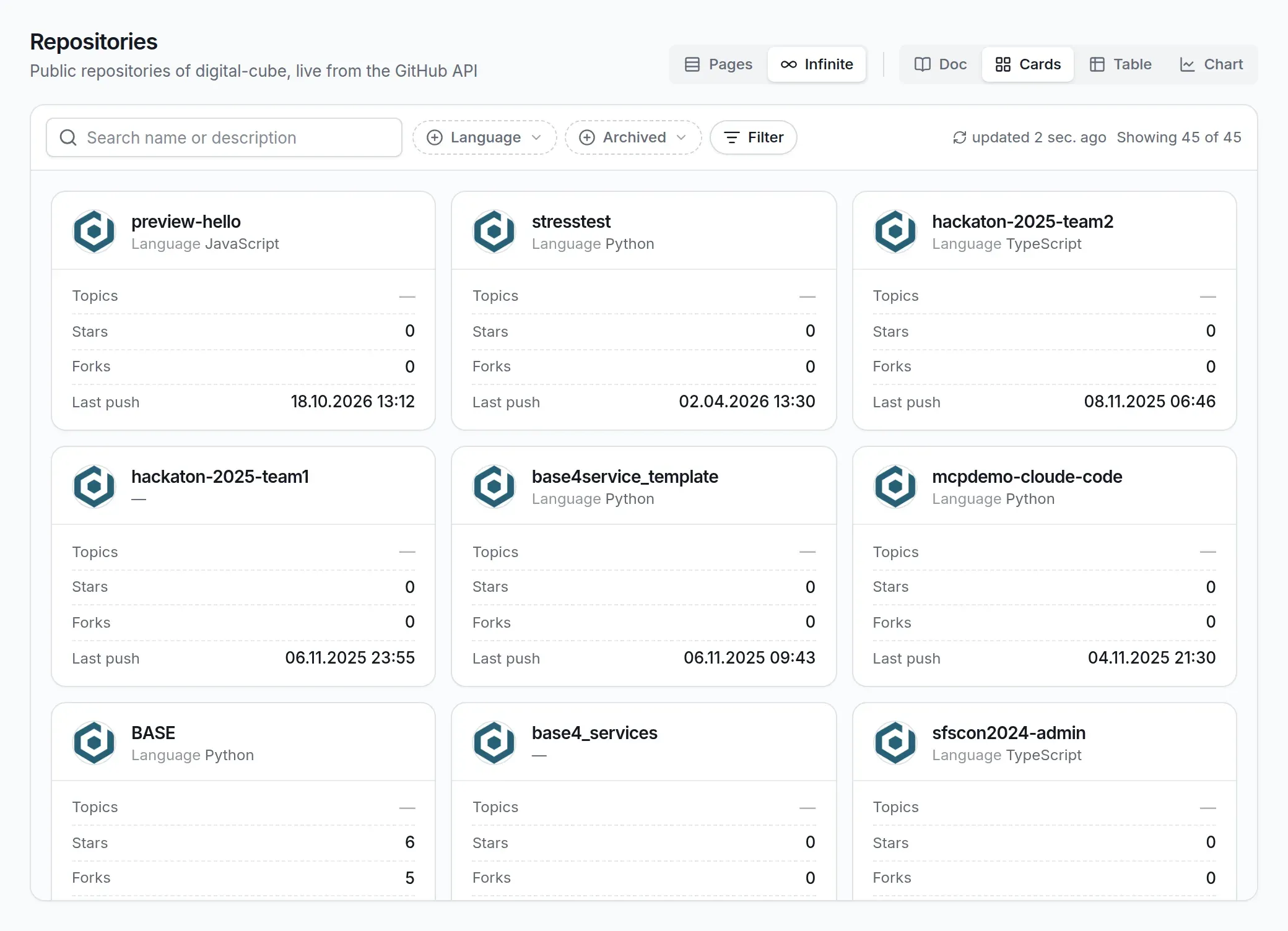
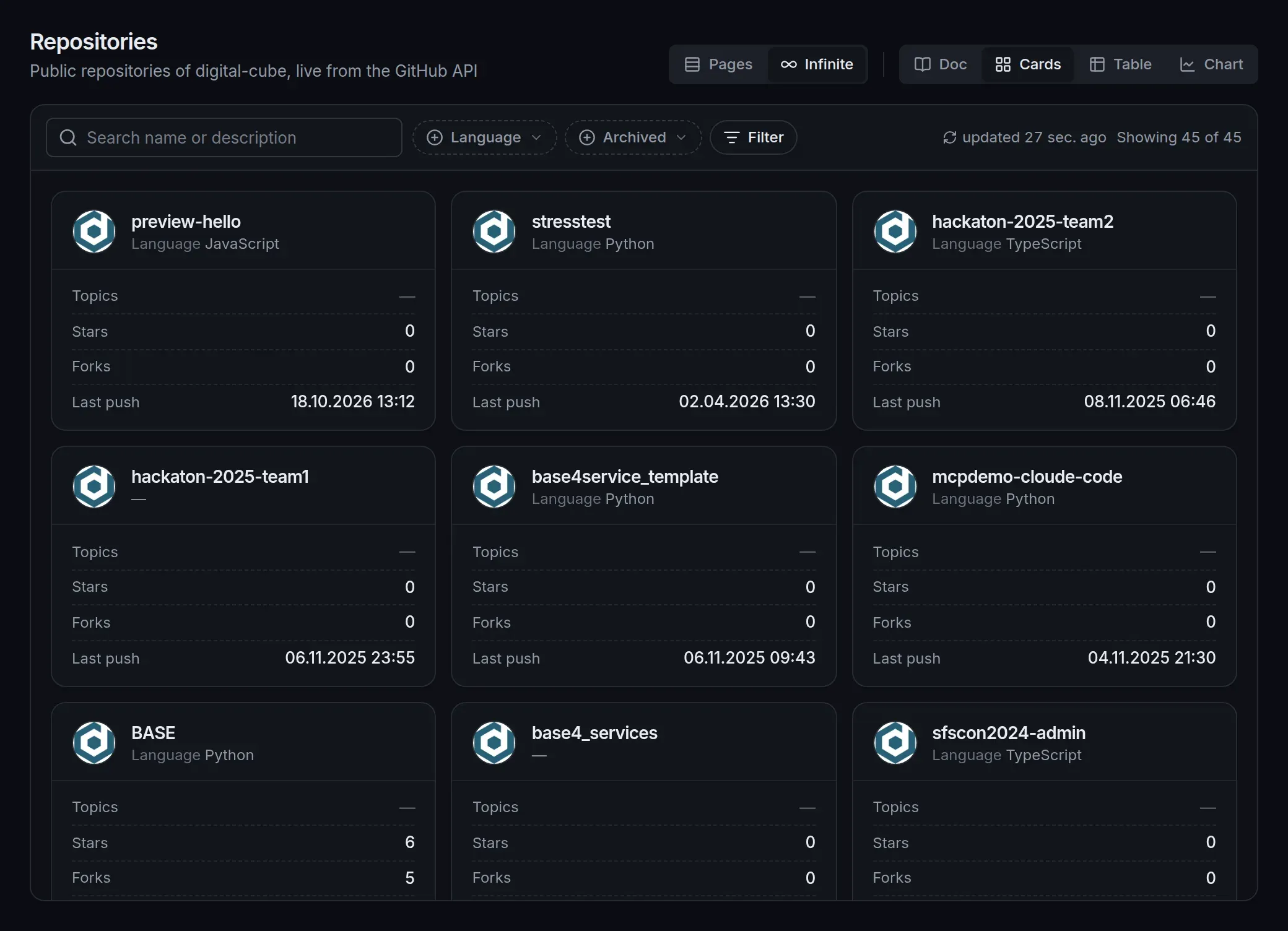
Cards repos/view.yaml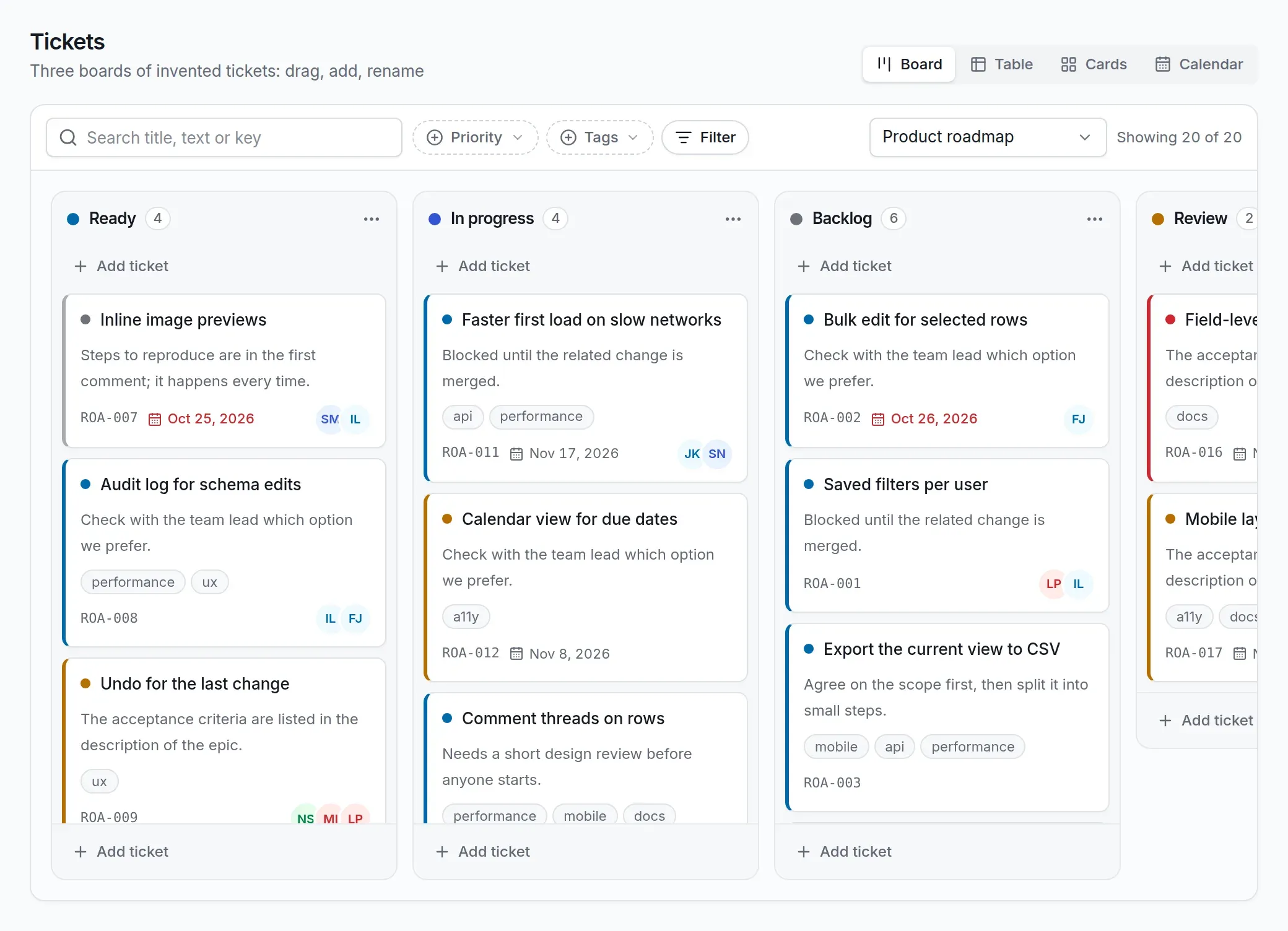
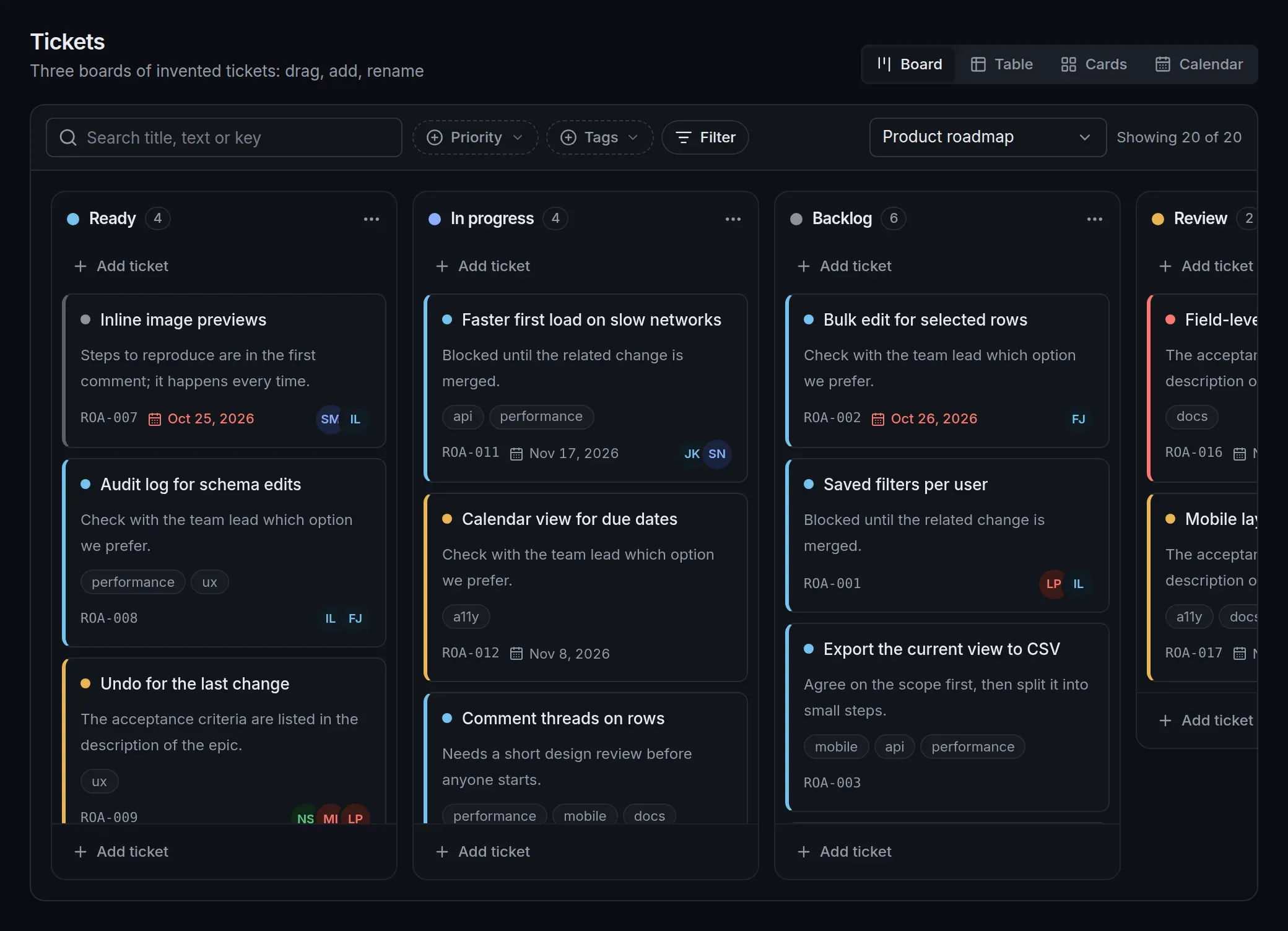
Kanban tickets/view.yaml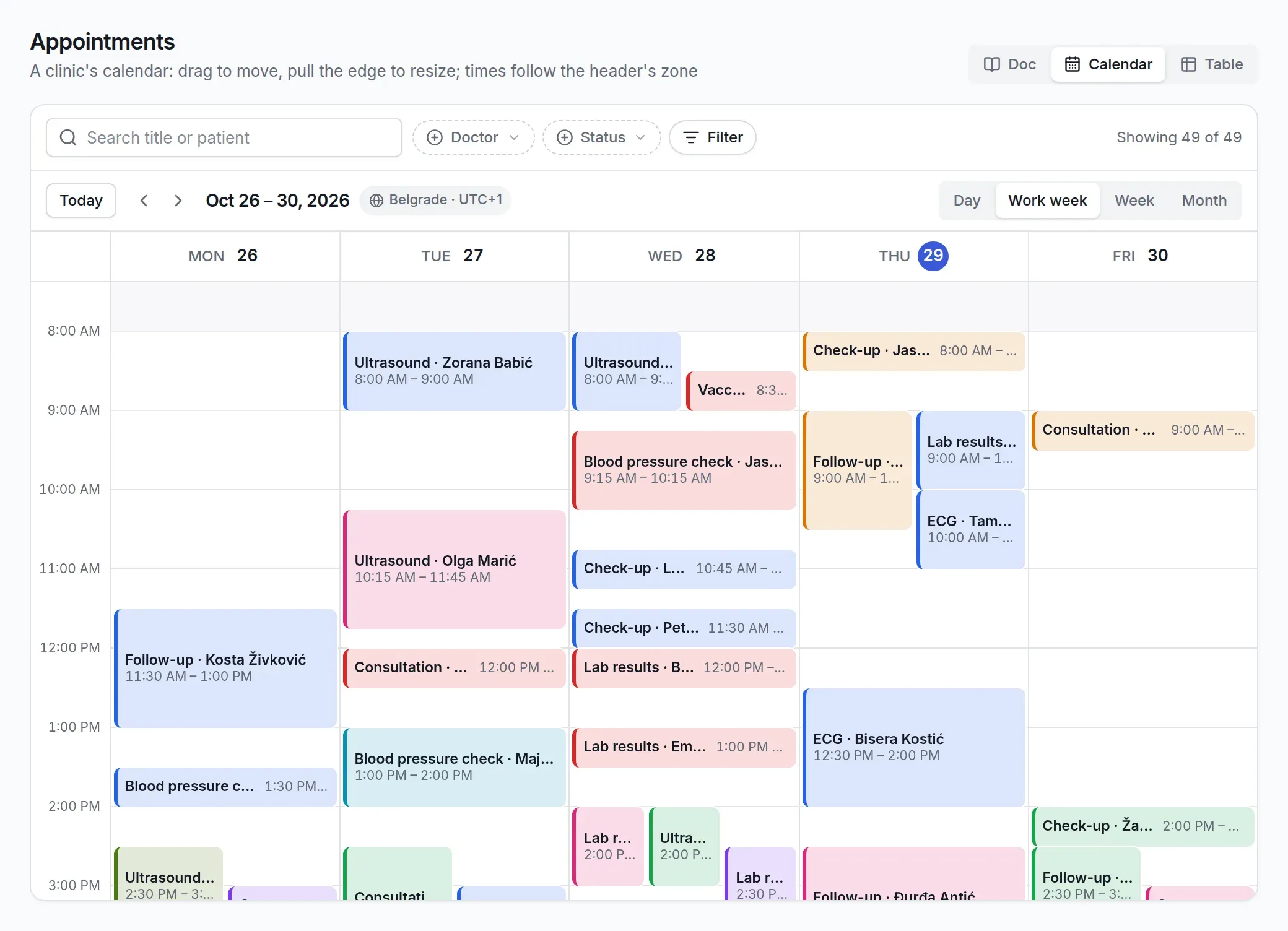
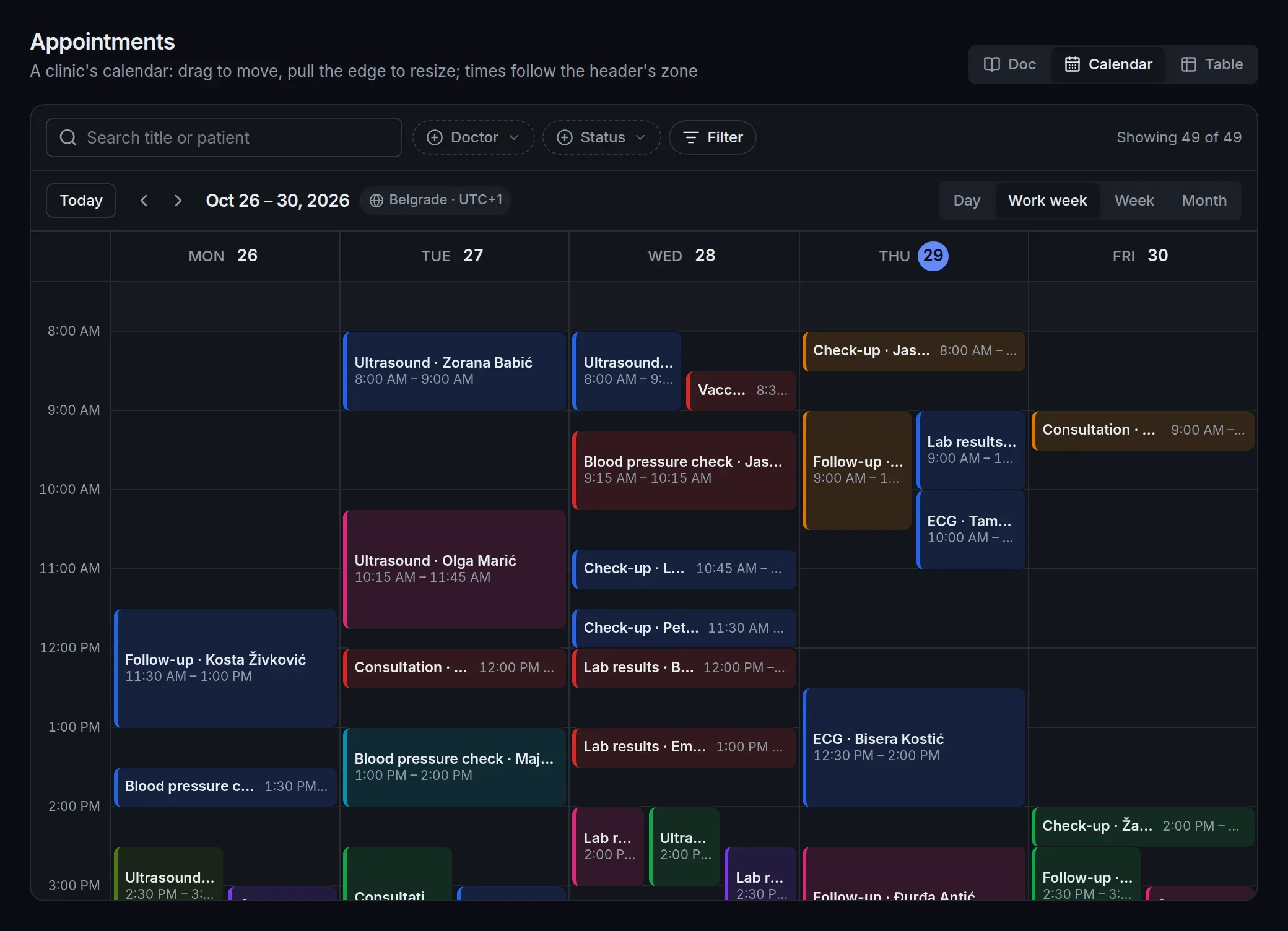
Calendar appointments/view.yaml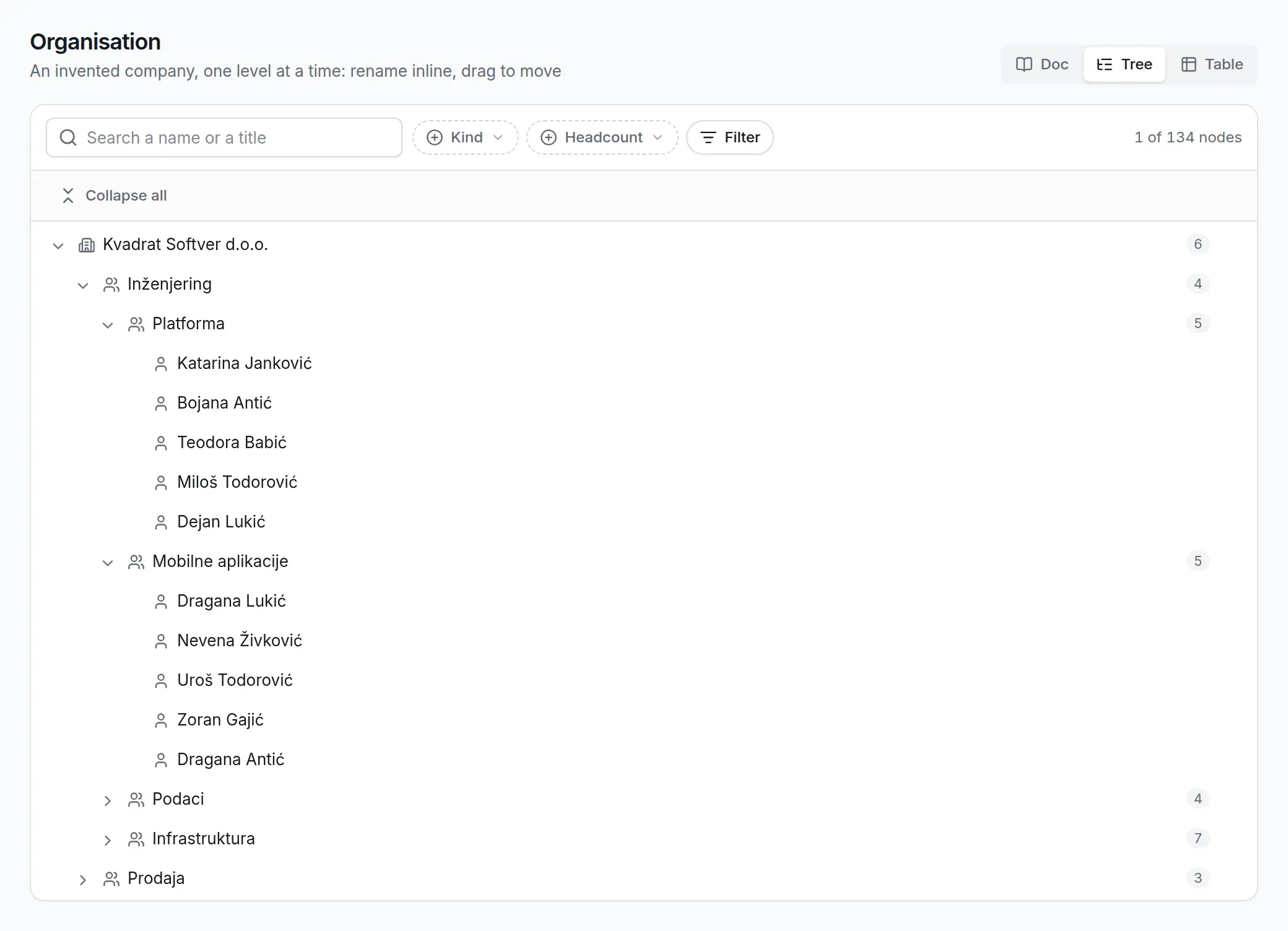
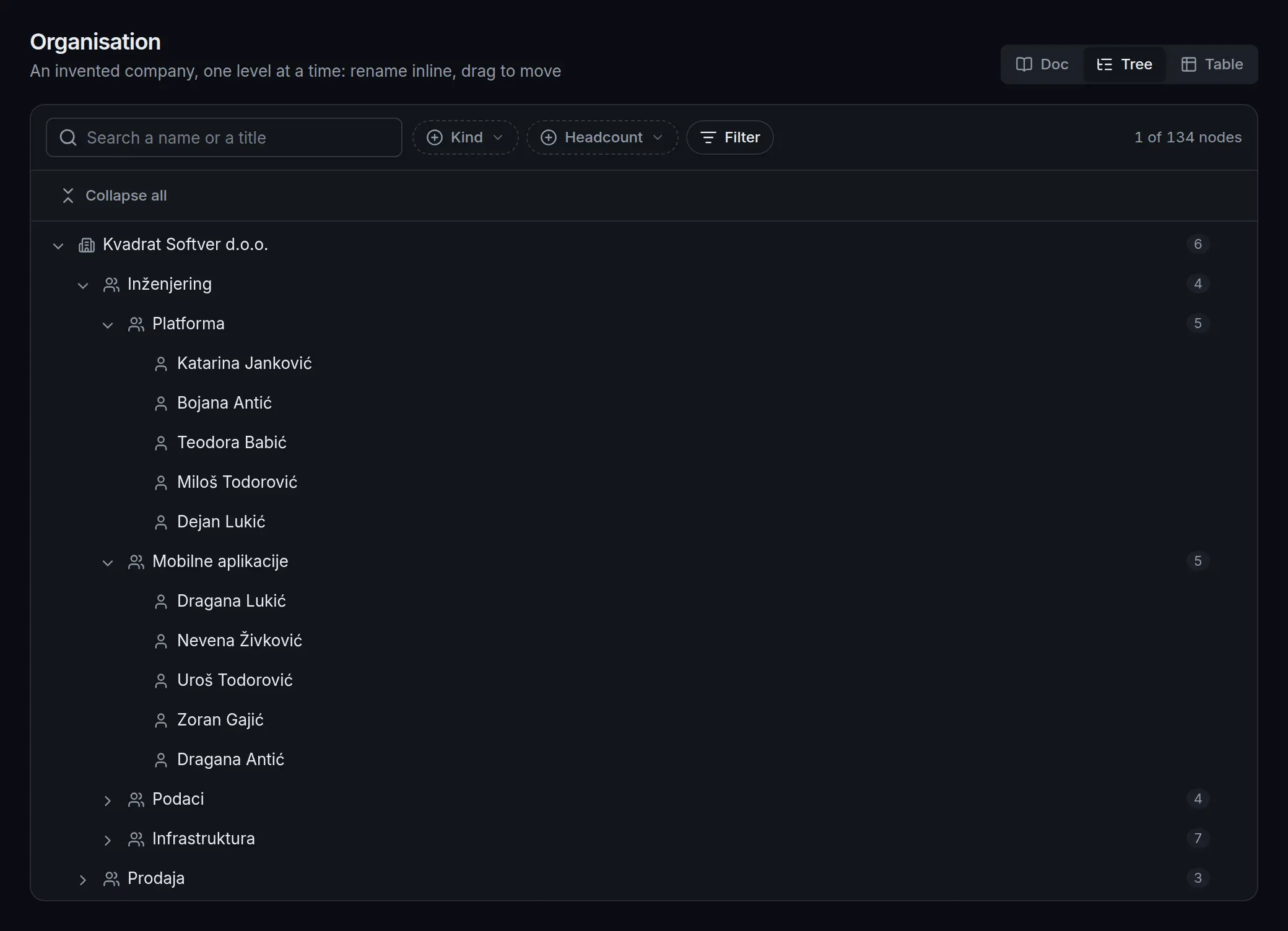
Tree org/view.yaml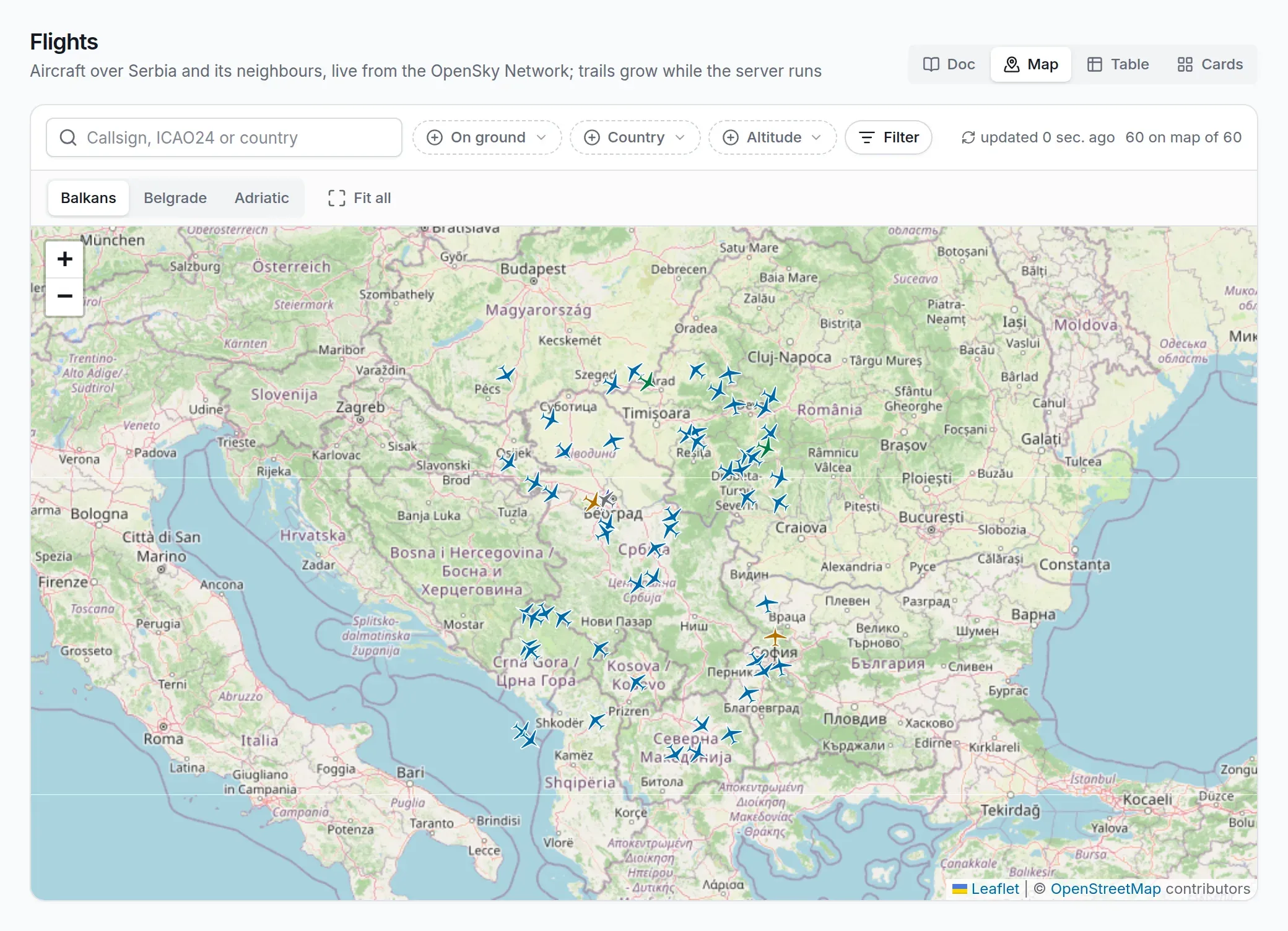
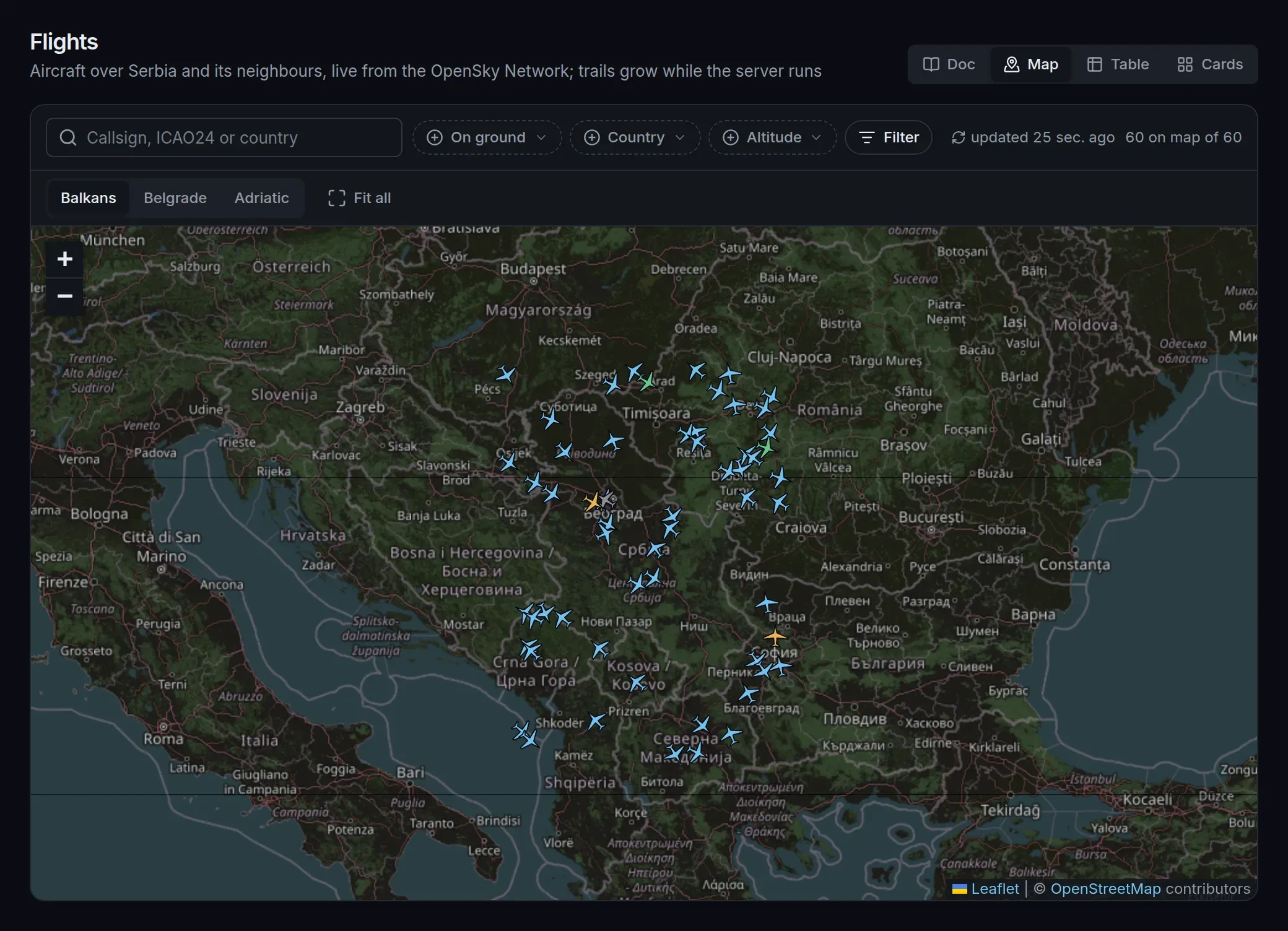
Map flights/view.yaml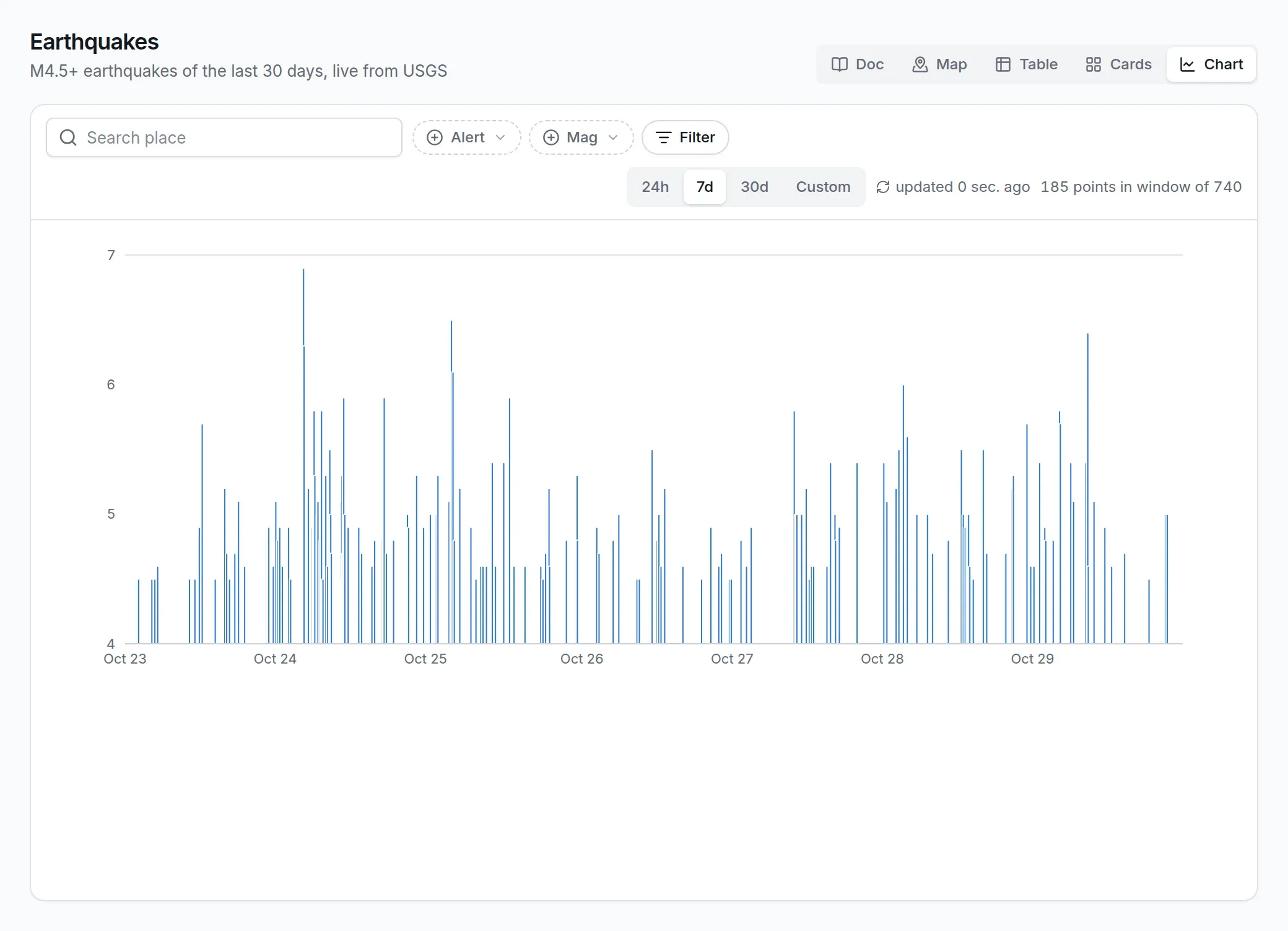
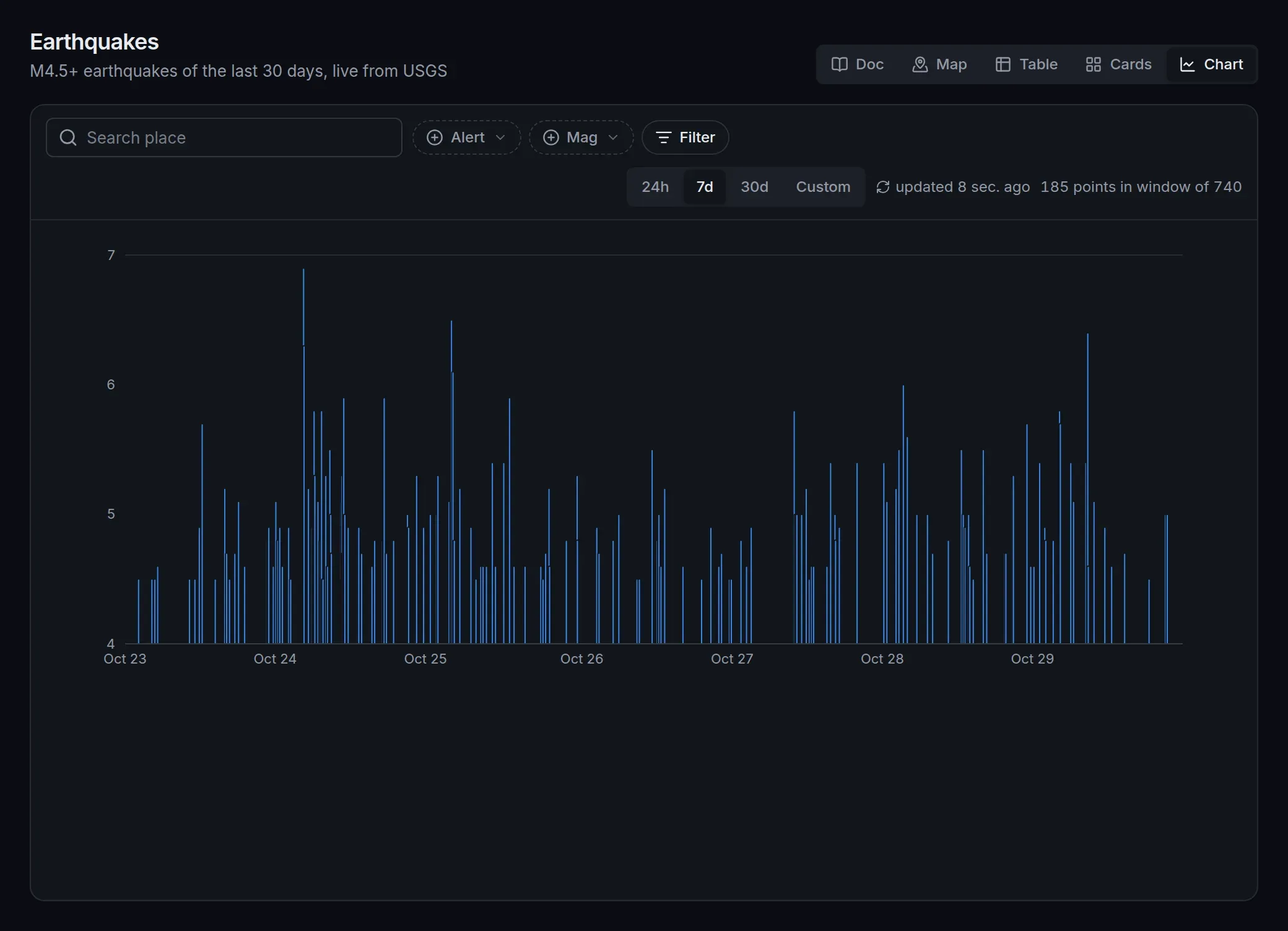
Chart quakes/view.yaml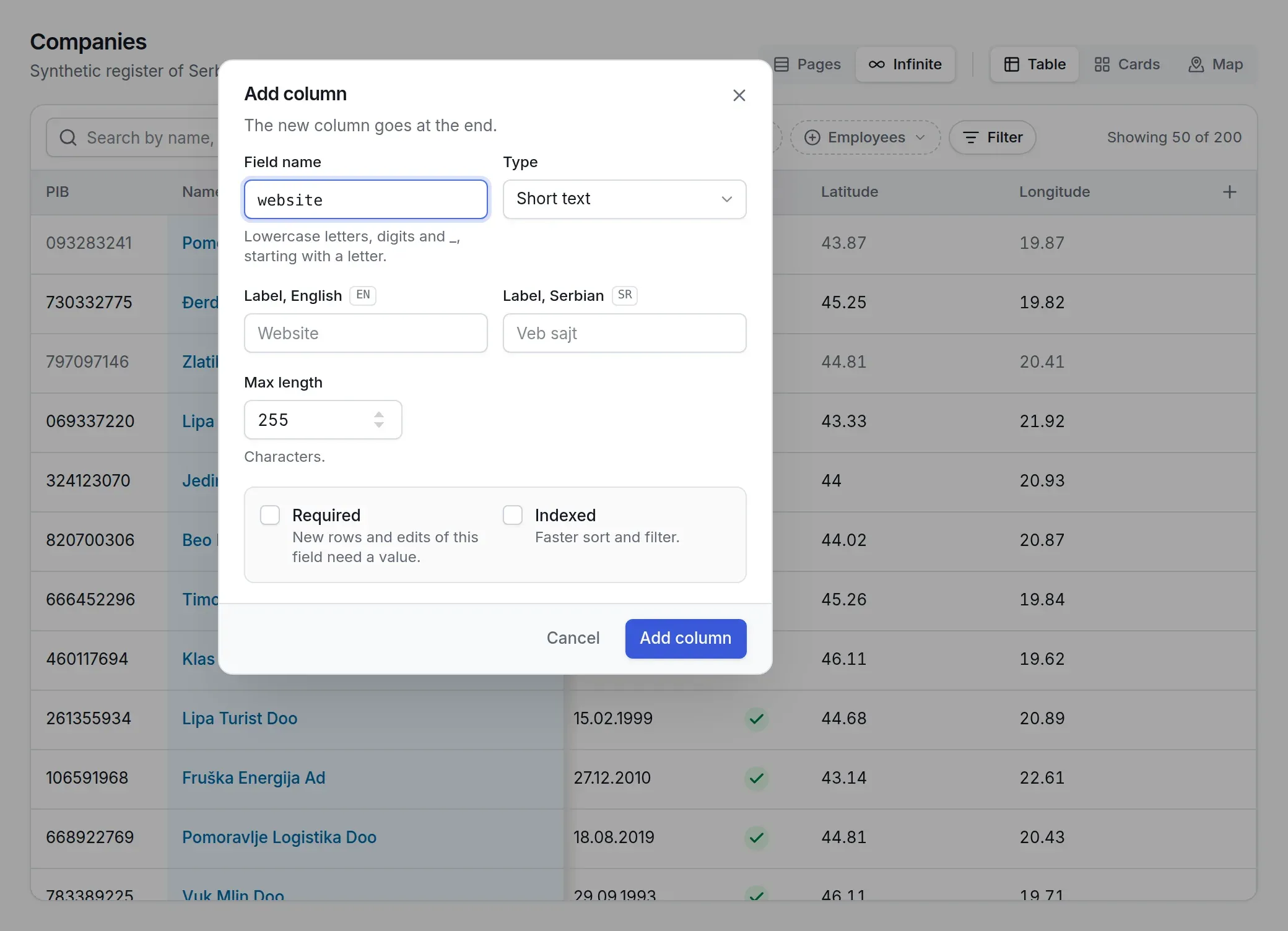
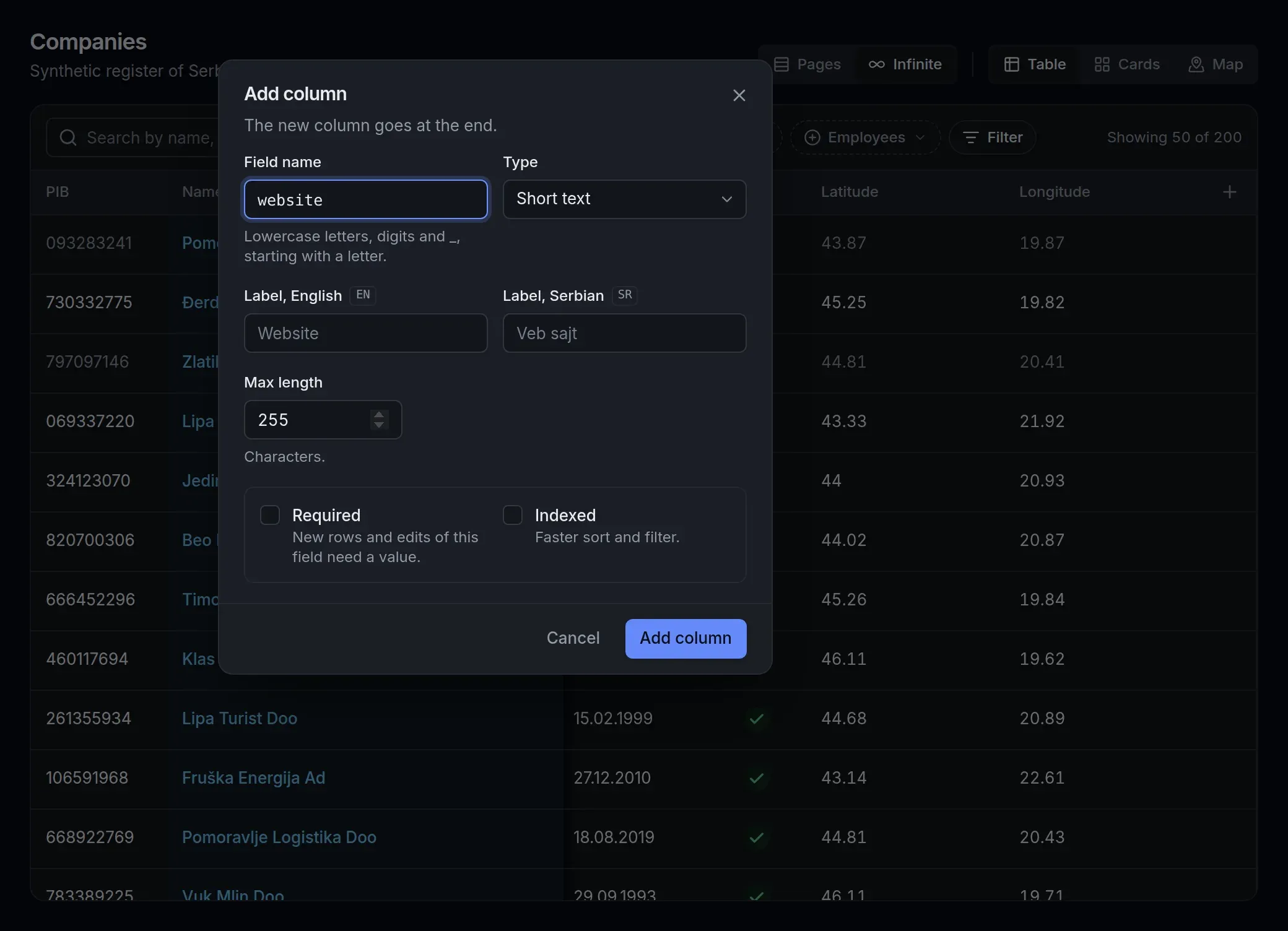
Schema editor companies/view.yaml
One protocol, both sides
@jsudc/core is the contract: every request and every answer is an envelope checked by the same Zod schemas. The server imports it to check what arrives; the client imports it to check what comes back. Replace either side with your own and the other does not notice.
Every action is POST /udc/<action>: describe, list,read, mutate, and the schema edits that add, change or retire a field at runtime. The answer is always HTTP 200; its kind says ok or err.
@jsudc/react asks
POST /udc/list{ "collection": "repos", "filter": { "field": "language", "op": "eq", "value": "TypeScript" }, "sort": [{ "field": "stargazers_count", "dir": "desc" }], "page": { "limit": 60 }}@jsudc/core validates both directions with the same schemas
@jsudc/server answers
{ "kind": "udc.list.ok", "id": "", "payload": { "rows": [ … ], "next_cursor": null, "total": 4 }}Start where you are
import { createDispatcher, loadRegistry, makeSource, udcPlugin } from "@jsudc/server";import Fastify from "fastify";
const registry = loadRegistry("./collections", (asset, registry) =>  makeSource(asset, { registry, env: process.env }),);const app = Fastify({ logger: true });const dispatcher = createDispatcher(registry, { log: app.log });await app.register(udcPlugin, { dispatcher, registry, swagger: false });await app.listen({ port: 5100 });
npm install @jsudc/server @jsudc/core fastify zod- Next to it, a
collections/books/directory with aschema.json, aview.yamland asource.yamlofkind: memory. node server.ts, then ask it for the books:curl localhost:5100/udc/list -H 'content-type: application/json' -d '{"collection":"books"}'
import "@jsudc/react/styles.css";import { UdcClient } from "@jsudc/core/client";import { createUdcQueryClient, UdcDataView, UdcI18nProvider, UdcProvider } from "@jsudc/react";import { RENDERERS } from "@jsudc/react/all";import { Toaster, TooltipProvider } from "@jsudc/react/ui";import { QueryClientProvider } from "@tanstack/react-query";import { createRoot } from "react-dom/client";
const client = new UdcClient({ httpUrl: "" }); // same origin: proxy /udc to the server
createRoot(document.getElementById("root") as HTMLElement).render(  <UdcProvider client={client} renderers={RENDERERS}>    <QueryClientProvider client={createUdcQueryClient()}>      <UdcI18nProvider>        <TooltipProvider>          <Toaster>            <div style={{ display: "flex", flexDirection: "column", height: "100vh" }}>              <UdcDataView collection="books" />            </div>          </Toaster>        </TooltipProvider>      </UdcI18nProvider>    </QueryClientProvider>  </UdcProvider>,);
npm install @jsudc/react @jsudc/core react react-dom @tanstack/react-query radix-ui lucide-react- And the peers of the renderers you register; all of them for
@jsudc/react/all. - Point it at any UDC server: same origin, through your dev server's proxy, or with CORS.
git clone https://github.com/digital-cube/jsudc-example.git && cd jsudc-examplenvm use && npm cinpm run db:setup # create the databases, apply the migrationsnpm run seed -- --reset # every collection: schema revision 1 and its rowsnpm run dev # server :5100, React app :5173- Node 24 and a Postgres role
jsudcwithCREATEDB. - The example is the live demo: thirteen collections, five kinds of source.
- Open
localhost:5173; every collection is in the sidebar.
Three packages, one version line
- @jsudc/core
The protocol: envelopes, the filter language and its evaluator, the schema, view and source types, row validation, and the transport client.
- @jsudc/server
Dispatcher, registry, five sources, the schema store and its revisions, seeding, and a Fastify plugin with the OpenAPI of every action.
- @jsudc/react
The data view, seven renderers, the schema editor, hooks over TanStack Query, a headless layer, and a stylesheet you restyle with CSS variables.


MIT licence, as is the site. One semver line: the protocol has to match on both sides.